

Skill Installation
Skills extend your Agent's capabilities, from web search and document generation to Lark Bitable operations and third-party API calls. Installing one usually takes only a few seconds.
Step 1: Open the Skills Page
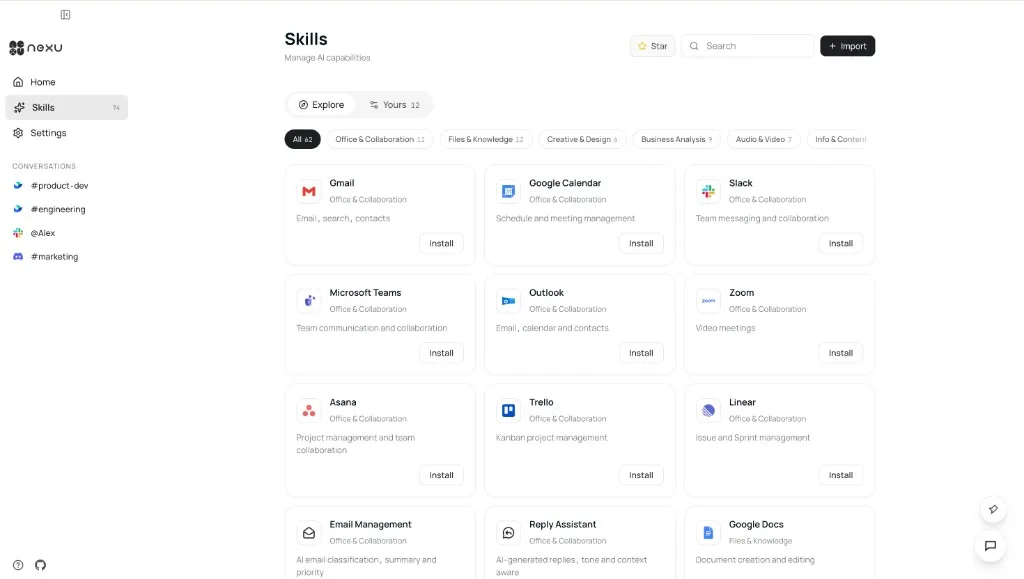
Click Skills in the left sidebar of the nexu client to enter the skill hub.
The Explore tab shows all available public skills. You can filter by category or search by keyword.
Step 2: Find and Install a Skill
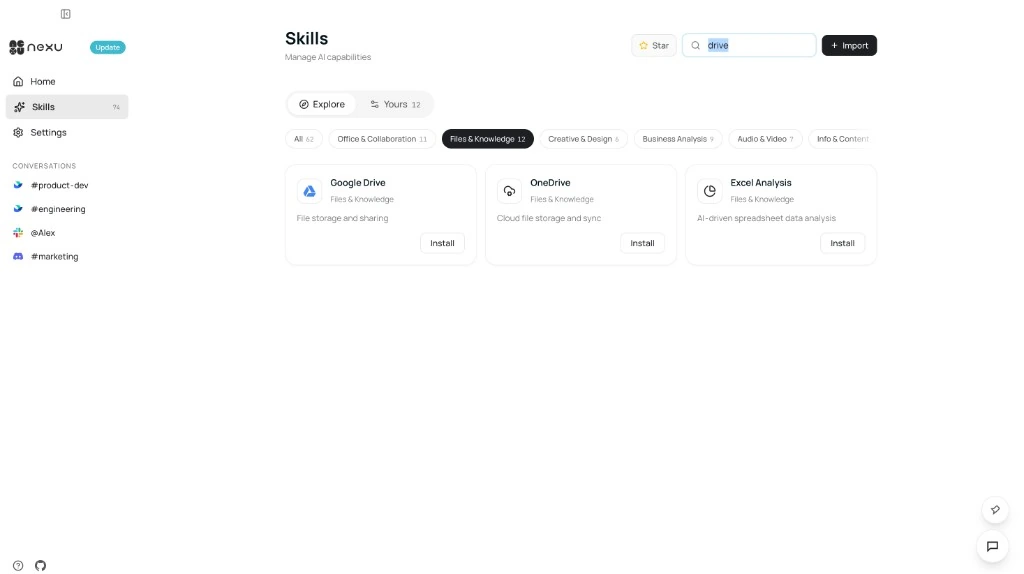
Browse or search for the skill you need, then click Install on the card. Skills are hot-loaded and become available immediately.
Step 3: Confirm Installation
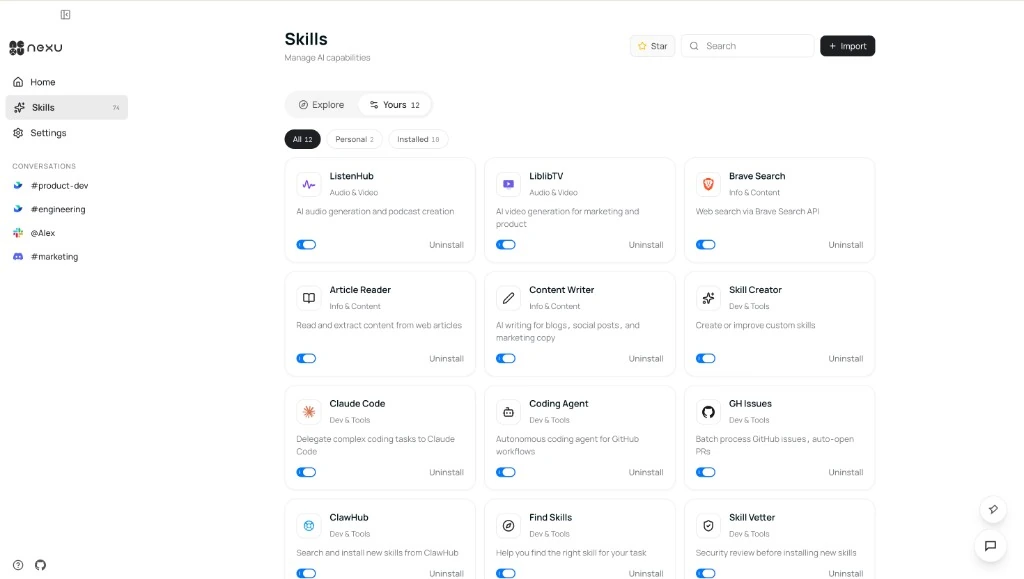
Switch to the Yours tab to view installed skills. You can enable or disable a skill at any time.
Step 4: Use It in Conversation
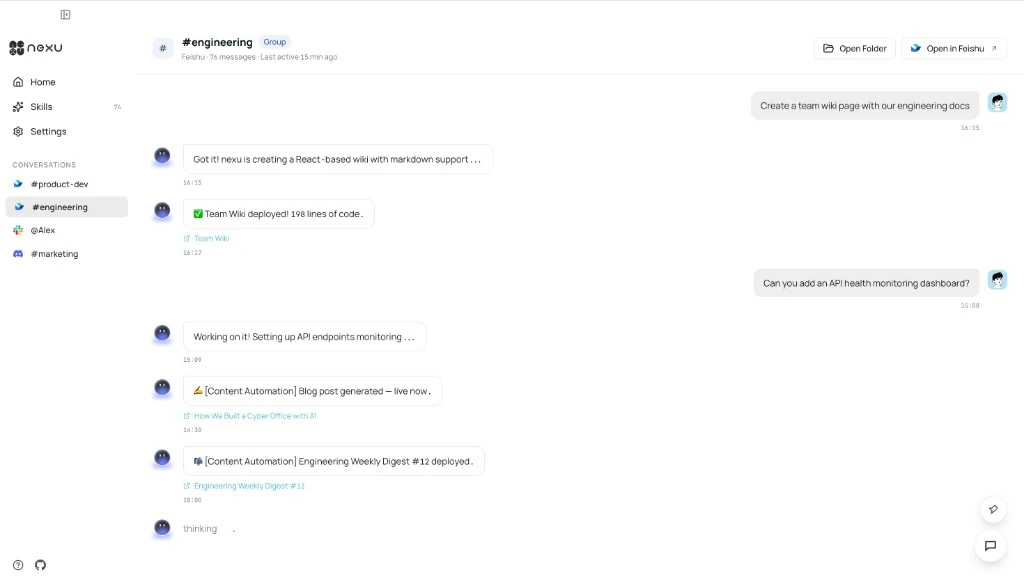
Once a skill is installed, simply describe what you need in a channel conversation. The Agent will automatically choose the right skill for the task.
FAQ
Q: Do I need to restart the Agent after installing a skill?
No. Skills support hot-loading and become available immediately.
Q: Can I install skills outside the catalog?
Yes. nexu supports local custom skill development for more advanced or specialized needs.
Q: How do I uninstall a skill?
Go to the Yours tab and click Uninstall next to the skill you want to remove.